
≈ 1 min read
Claritalk Support · For system administrators
Rollout
Distribute Claritalk Connect via Microsoft Intune
Here's how to push Claritalk Connect as a line-of-business app to the right user groups in your organization.
Adding the app in Intune
Download the latest msi version
Get the latest .msi of Claritalk Connect from the public repo.
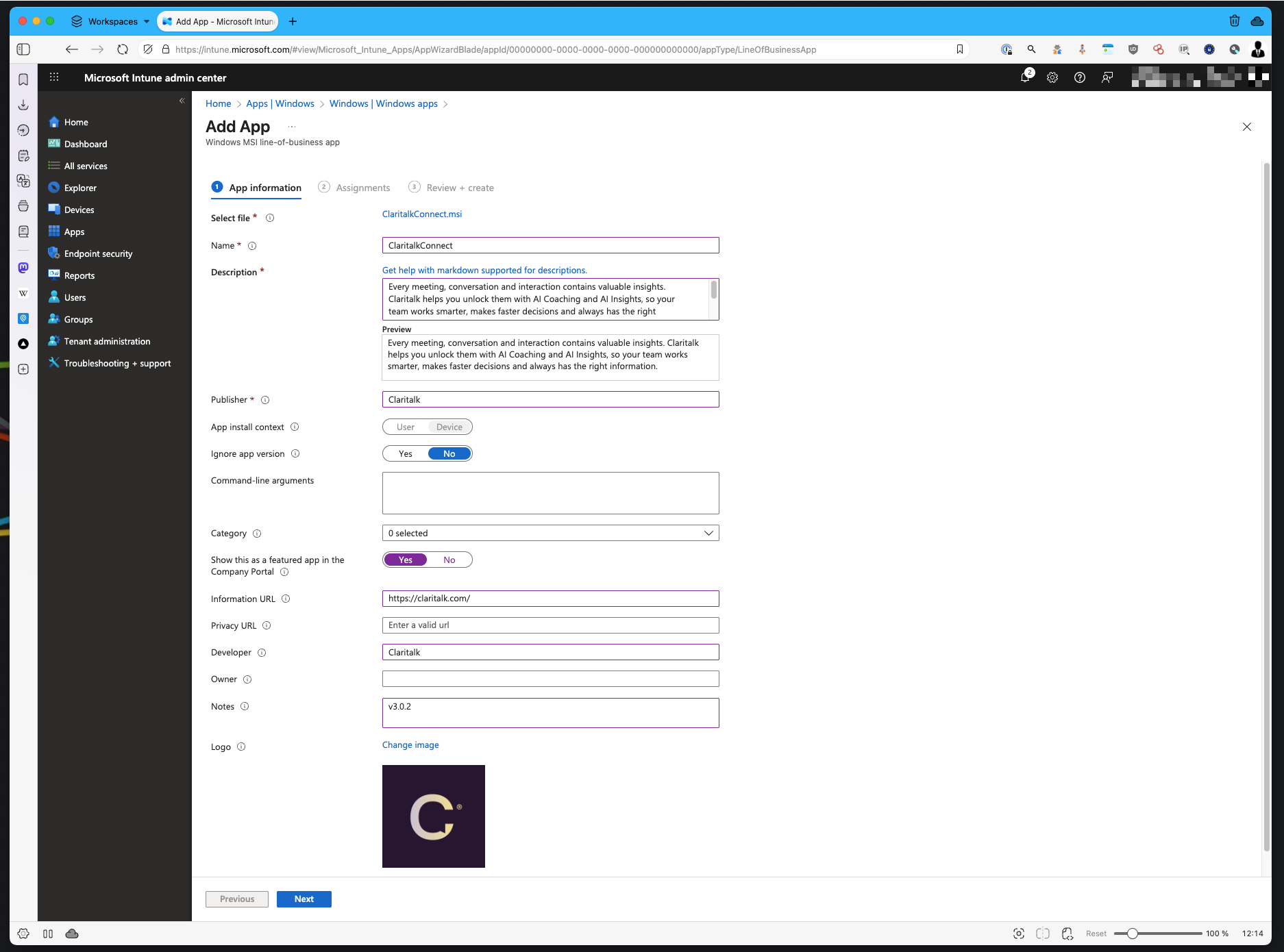
Create a new app
Go to Intune/Endpoint and then to Apps.
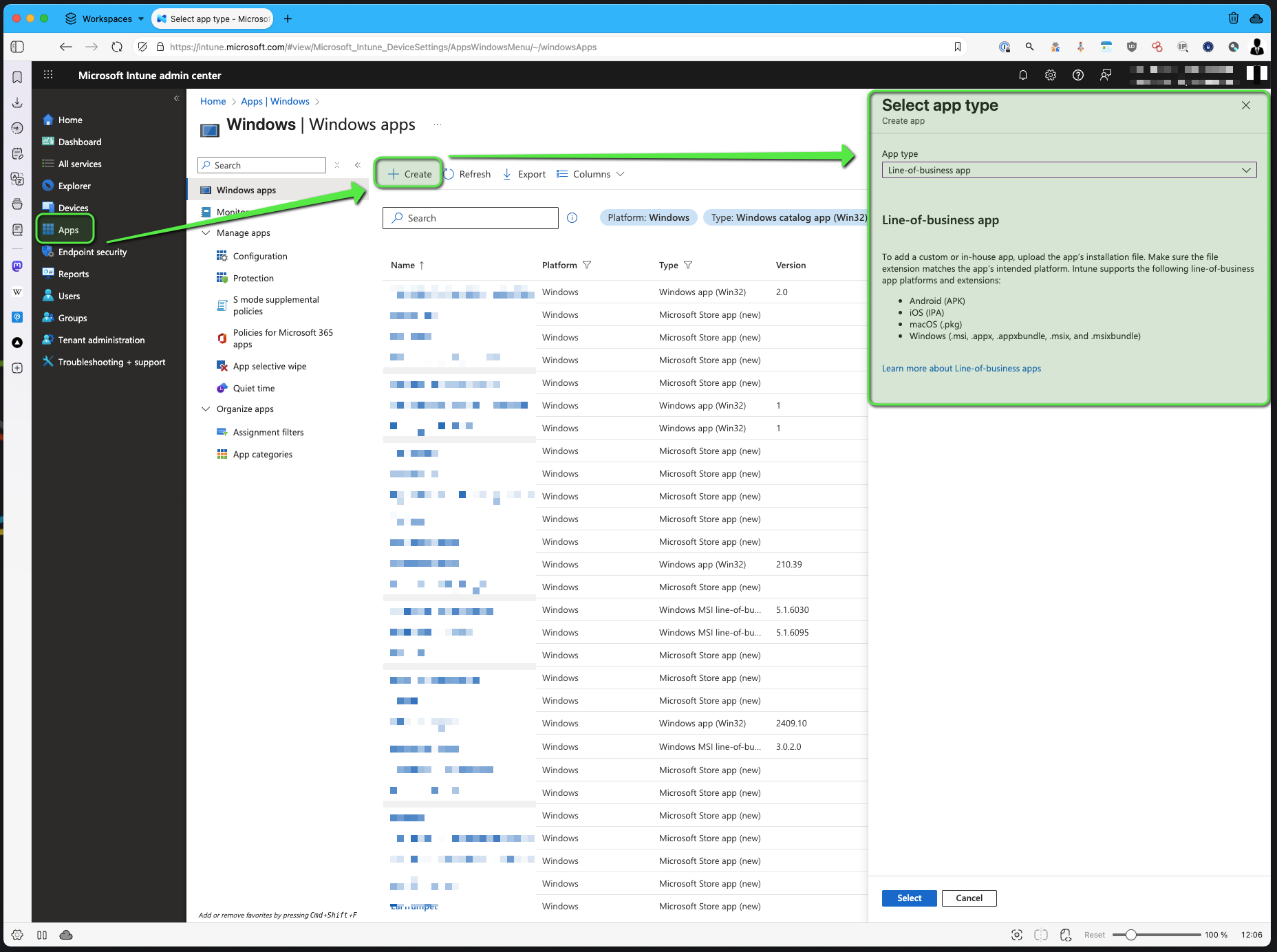
Creating a new line-of-business app Upload the app
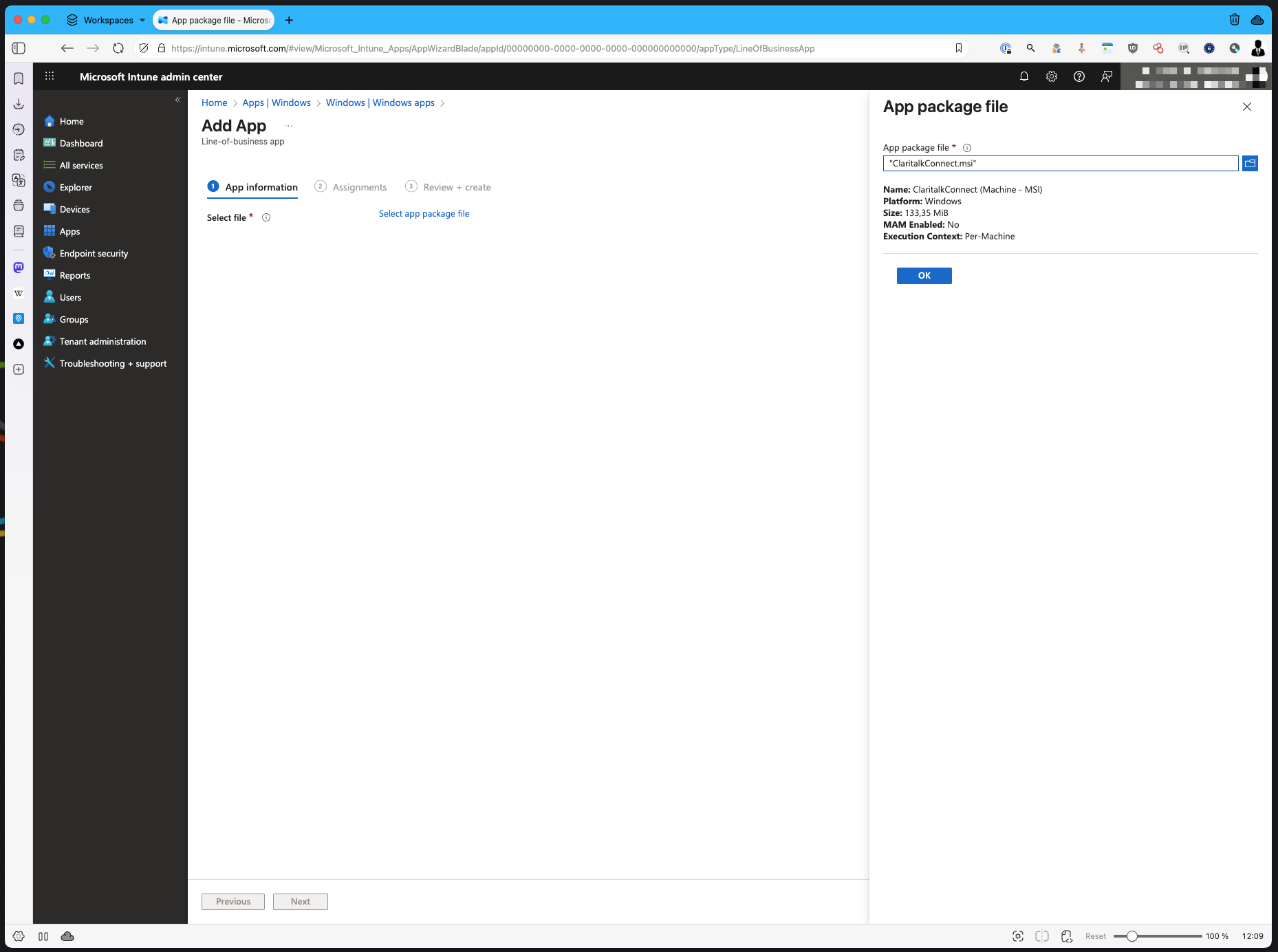
Uploading the msi Select the groups
Select the groups to whom you want to push the app.
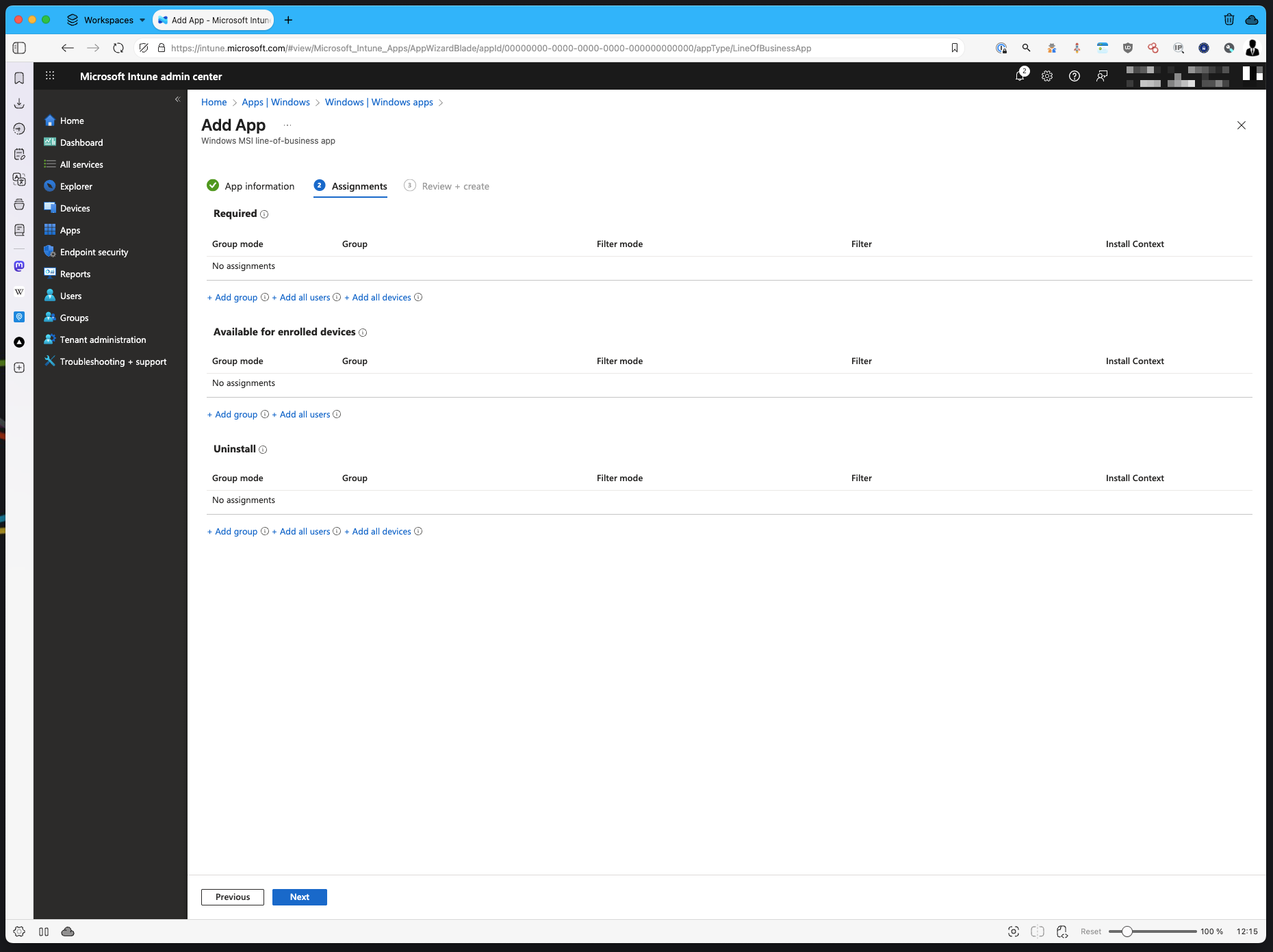
Selecting target groups Et voilà
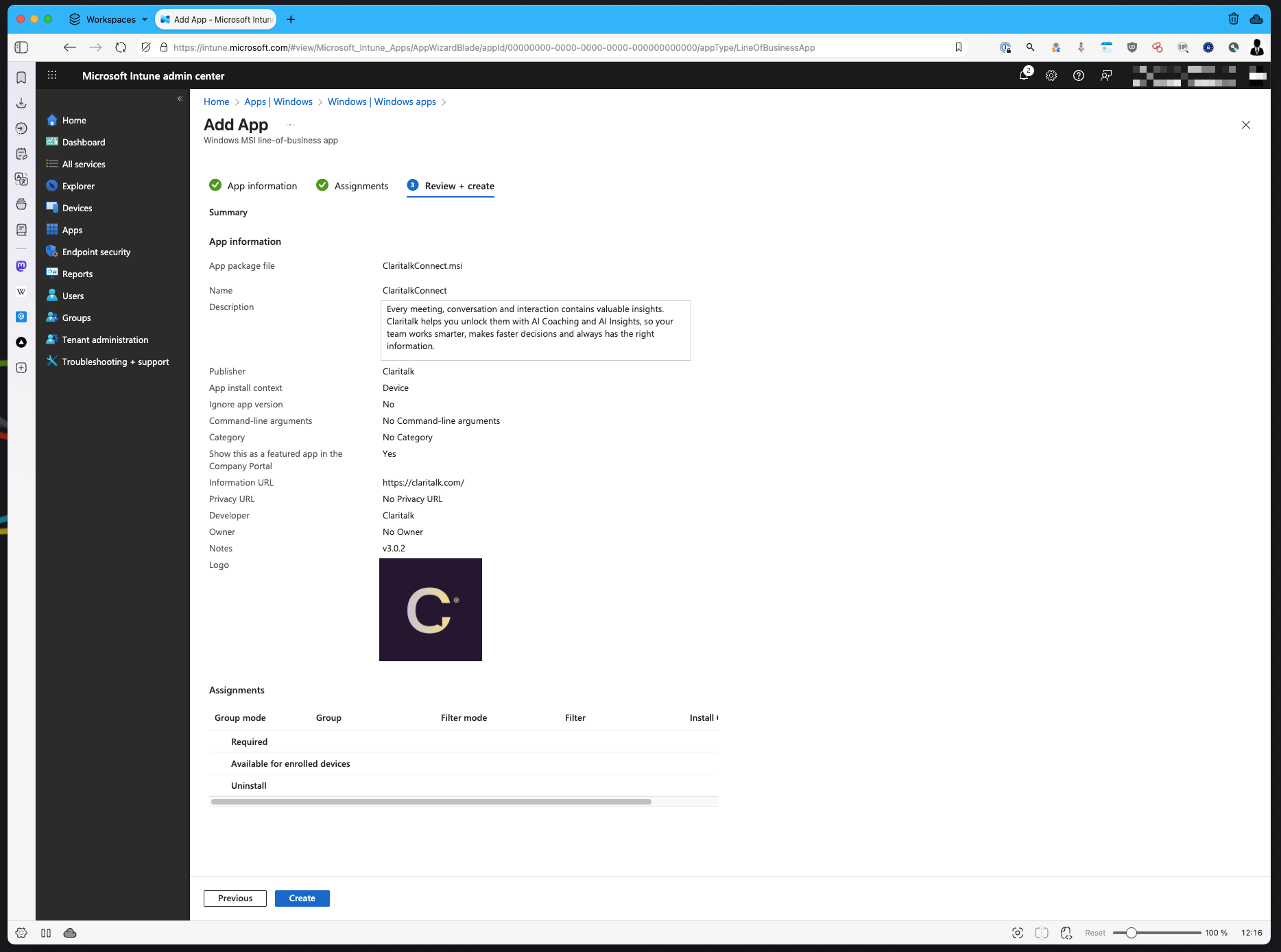
Claritalk Connect appears for users
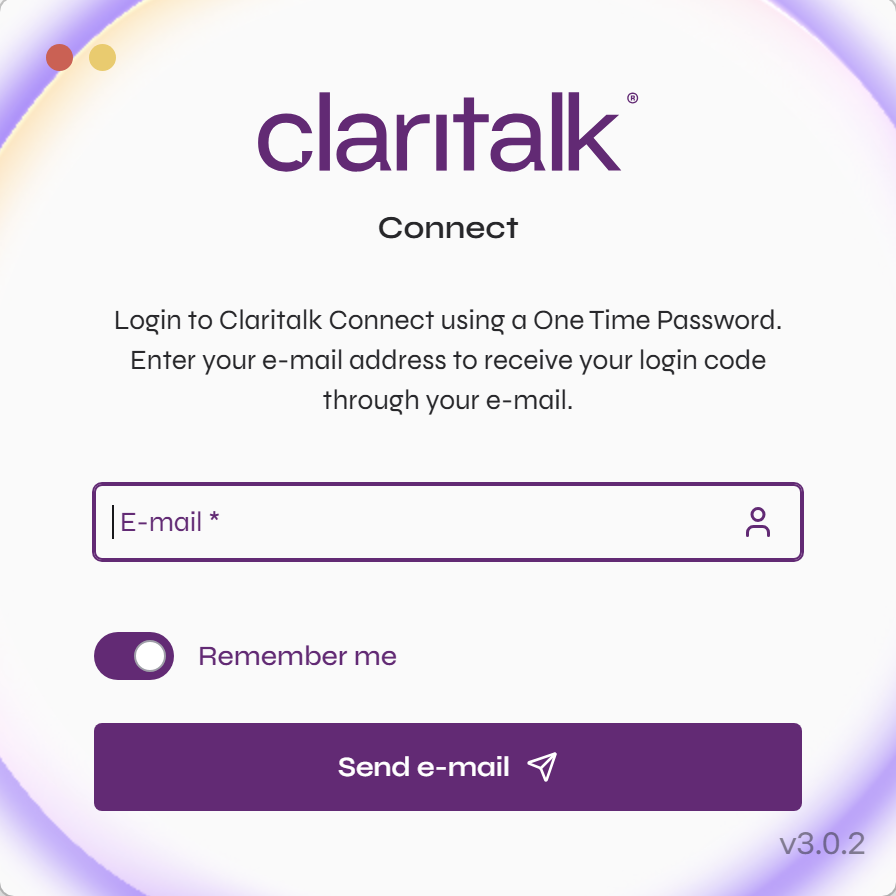
After installation
Each user enters his email address in Claritalk Connect once and receives a code by email.
After entering the code, the user is authenticated and Claritalk Connect handles transcription when starting a meeting from app.claritalk.com or your internally connected systems.
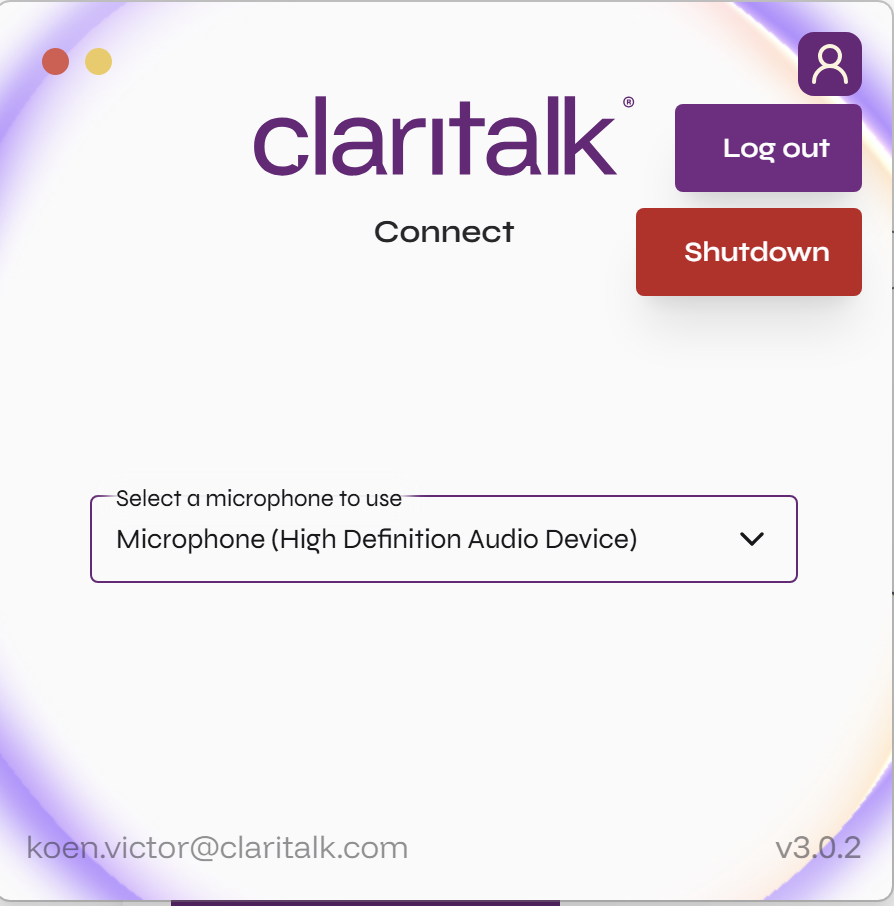
Ready
Happy Clari-talkin’! (Text thanks to a dedicated user.)